Leverage Composio MCP Server Library
Copy page
Connect to Composio MCP servers for access to 10,000+ out-of-box integrations
Overview
Composio provides access to over 10,000 pre-built MCP servers for popular services and integrations.
Step 1: Create a Composio Account
Sign up for a Composio account at composio.dev
Step 2: Configure Your MCP Servers
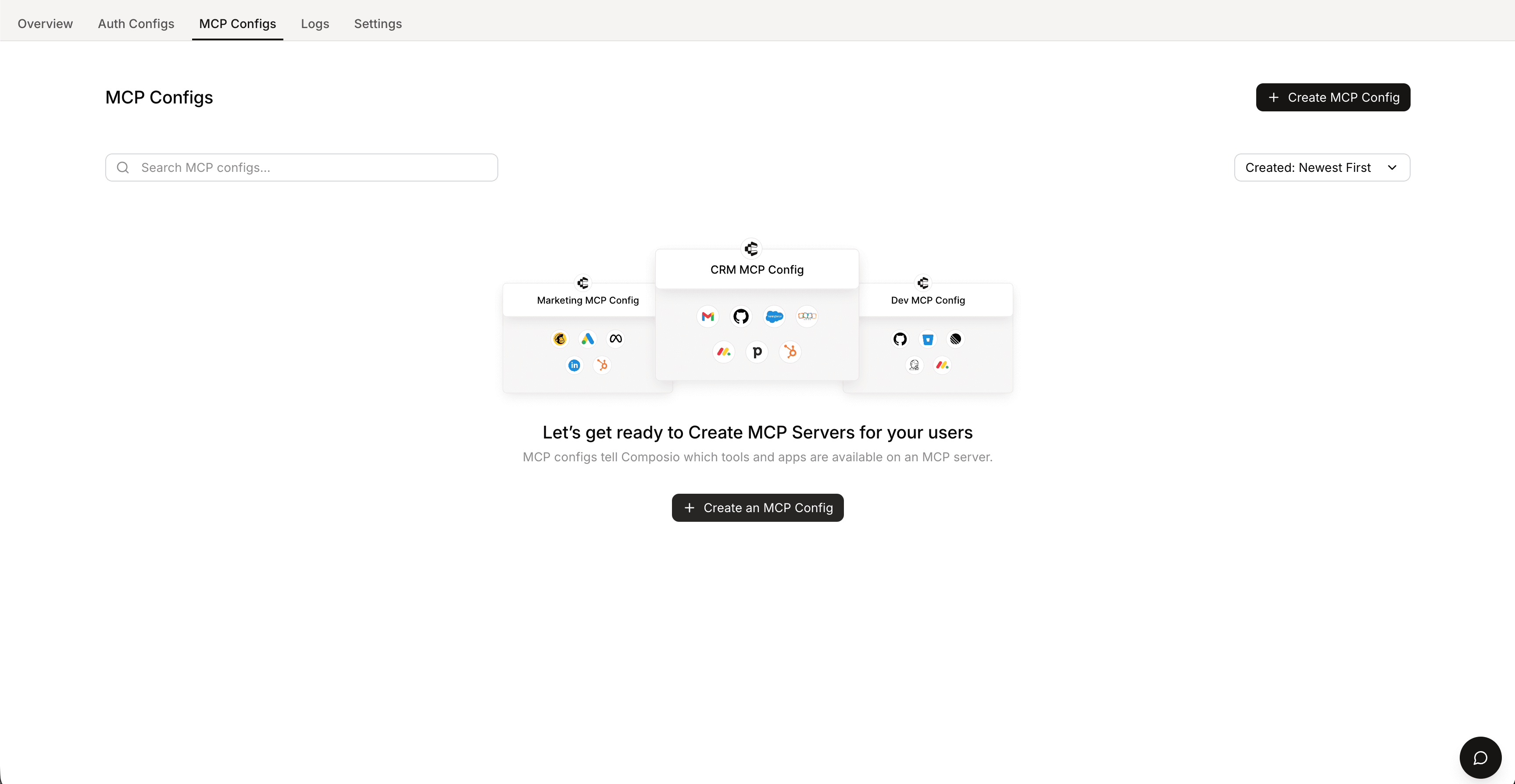
After creating a new organization and then a new project, navigate to the MCP configurations section and create configs for the MCP servers you want to use.
Step 3: Retrieve Your API Key
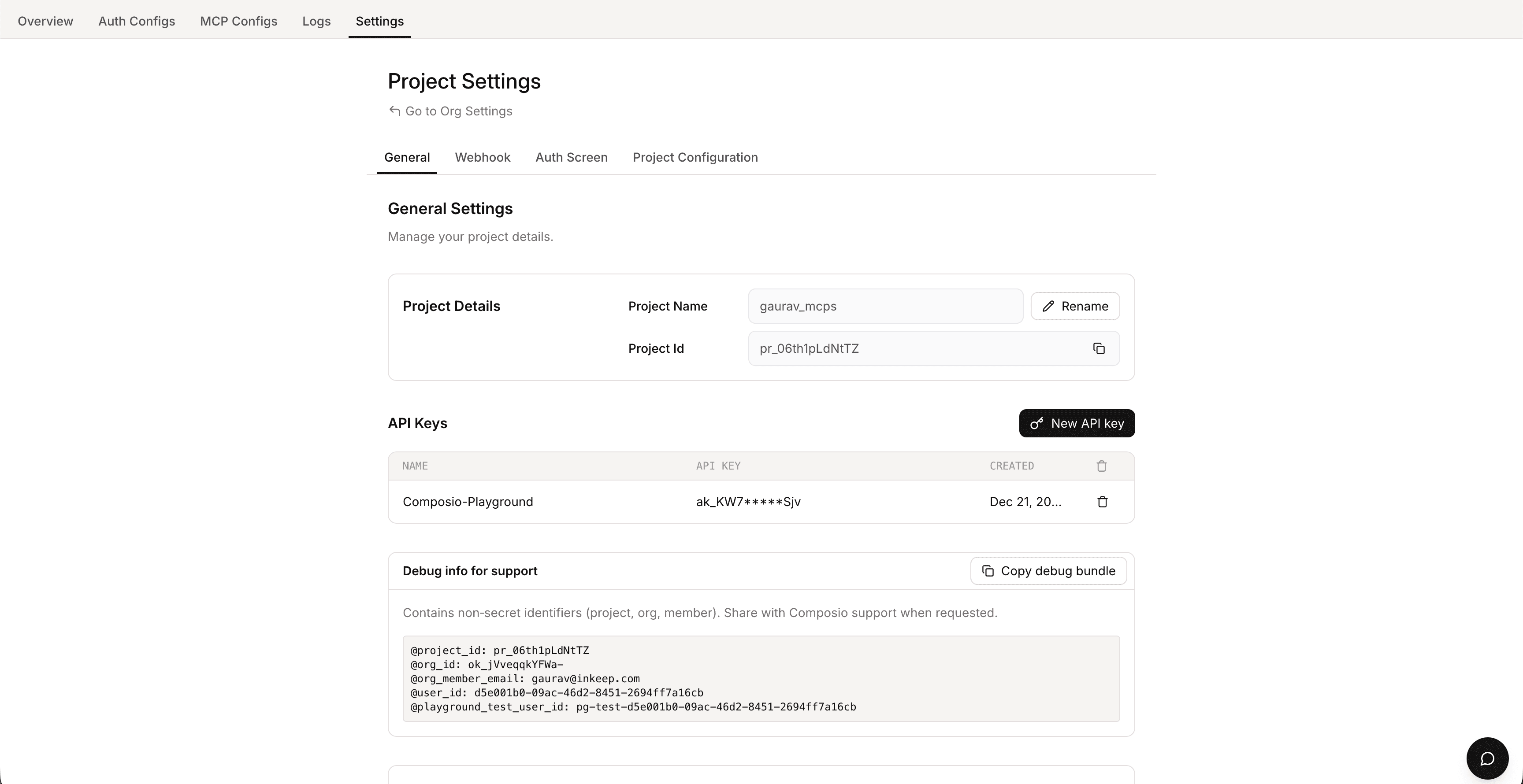
Copy your Composio API key from the Settings tab.
Step 4: Add API Key to Environment
Add your Composio API key to your root .env file:
Step 5: Restart and Verify
Restart your development servers by pressing Control + C and running pnpm dev again (pressing r will not work).
Open the Visual Builder and navigate to the MCP Servers tab. Click +New MCP Server, then select the Popular MCP Servers tab and search for "composio" to see your configured Composio MCP servers.